If you’ve ever finished a full day of teaching only to spend another three hours…
How to Get Better at Touch Typing as an Online Teacher
Online teachers wear many hats. Beyond teaching itself, they’re constantly juggling classroom management, lesson prep, technology troubleshooting, note-taking, and real-time communication with students. Among all this multitasking, there’s one skill that often goes unnoticed but can make a huge difference in day-to-day teaching efficiency: touch typing.
Touch typing is the ability to type quickly and accurately without looking at the keyboard. This may seem like a small technical skill, but for online teachers it can have a big impact. Whether you’re correcting sentences in the chat, writing quick feedback, searching for resources mid-lesson, or taking notes while a student speaks, fast and accurate typing helps keep the lesson flowing smoothly.
As an online teacher, improving your typing speed can significantly improve the flow of your lessons and reduce mental fatigue. Instead of dividing your attention between the keyboard and the screen, you can stay fully focused on your students and the learning happening in front of you.
A Brief History of the QWERTY Keyboard
Most of us use the QWERTY keyboard every day without thinking why the letters are arranged the way they are. The layout was created in the 1870s by Christopher Latham Sholes, the inventor of one of the first commercially successful typewriters.
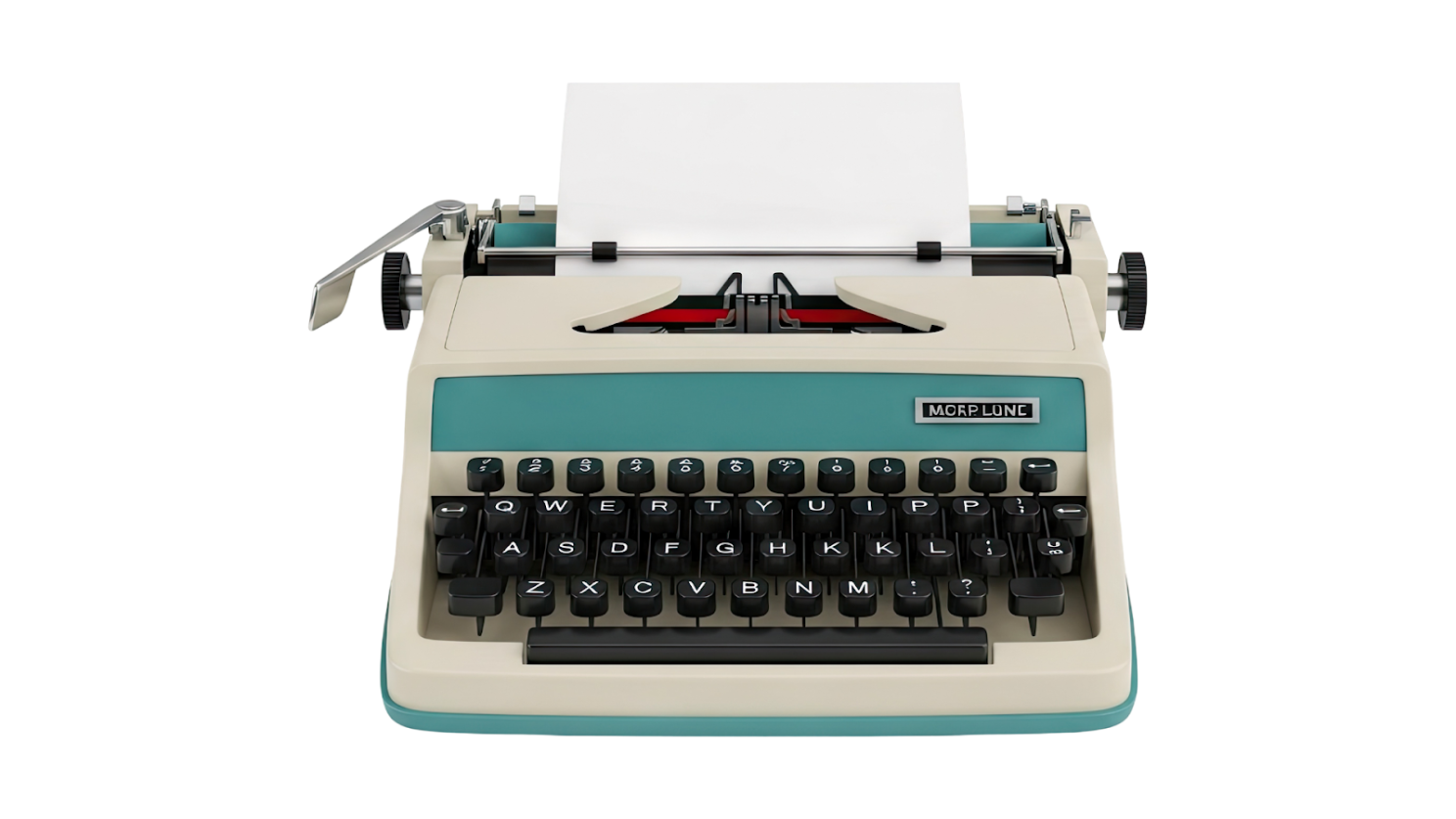
At that time, each typewriter had mechanical arms that would jam if neighbouring keys were pressed too quickly in succession. To reduce this problem, Sholes intentionally separated commonly used letter combinations across the keyboard. The result is what you’re now most likely using!
Even though modern keyboards no longer have this mechanical limitation, QWERTY remained the dominant layout because people were already trained to use it and schools and businesses adopted it globally. Thus, QWERTY remains the default keyboard layout for most English-speaking countries.
Why Typing Speed Matters for Online Teachers
Typing speed may seem like a minor skill, but it becomes incredibly valuable in an online classroom. Here are some reasons why being able to type quickly and accurately is helpful:
1) Faster Feedback for Students

Online students often rely heavily on written corrections either in the chat box or directly on the screen. Being able to type quickly allows you to correct sentences, write out definitions and explain grammar in text a lot more efficiently.
2) Better Multitasking

Online teachers juggle a lot of tasks during class. You’re constantly typing notes, monitoring the chat, correcting student mistakes, sharing examples, and more. If typing requires too much focus, it pulls your attention away from the students and the screen. Touch typing allows your hands to work automatically while your brain stays focused on teaching.
3) Faster Lesson Preparation and Feedback Given

If you don’t have to look at the keyboard as you type, you can type much faster when making your lesson plans, preparing your worksheets, answering student messages and writing feedback reports. Over time, having the ability to touch type at a quick speed can save you hours of time each week!
The Basics of Touch Typing

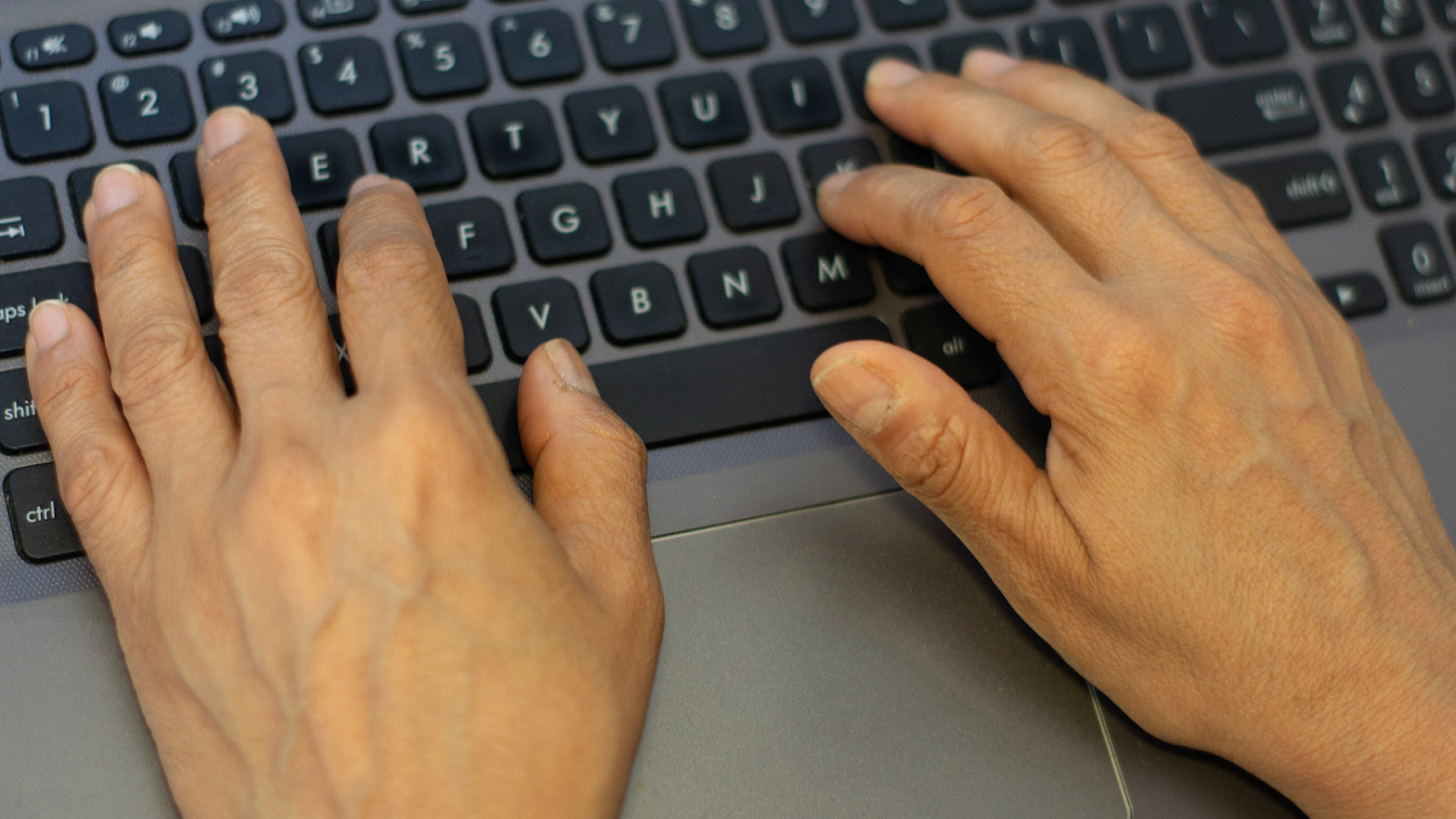
Where you rest your hands is paramount to becoming an expert touch typer. The foundation is the home row positions: A S D F for left hand and J K L ; for right hand. Your index fingers rest on F and J, which usually have small bumps on the keyboard so you can locate them by touch. From this position, each finger is responsible for specific keys.
Exercises to Improve Touch Typing
Improving your typing speed is mostly about consistent practice. Here are a few exercises you can easily incorporate into your daily routine.
1) Daily Typing Drills (10 Minutes a Day)
Short, focused practice sessions are more effective than long, irregular ones. Practice typing common English words, full sentences, conversation phrases. Consistency builds muscle memory.
There are many websites that turn touch typing into a game, like TypingClub. By having levels and badges, it keeps you motivated to continue practicing each day.
2) Practice Without Looking

Once you remember the location of the keys and which fingers are responsible for them, a simple exercise to take it to the next level is to cover your keyboard with a cloth or a towel. This forces your brain to rely on muscle memory rather than visual cues. At first, your speed will probably drop dramatically, but it improves quickly with practice.
3) Type Instead of Copy/Paste
Instead of copying and pasting text you find useful when planning your lessons, practice typing them out instead. For example, as you’re working on your lesson plan, type the instructions, grammar explanation, definitions, examples rather than copying random text from different sources.
4) Accuracy Before Speed

Many people try to type faster before mastering accuracy. When you use online touch typing programs, try to correct your typing mistakes rather than skip over them. Get into a good habit of typing accurately so you waste less time in the future making corrections. Always remember: accuracy first, speed second. Aim for 95-98% accuracy. Speed will naturally increase over time.
5) Track your Words Per Minute (WPM) and Accuracy
At least once a week, take an online touch typing test and track your WPM and accuracy. By seeing your progress over time, you’ll be more motivated to keep practicing! Many people can improve 10-20 WPM within a few months with consistent practice.
What is your current typing speed? Share it in the comments below!

Related Posts